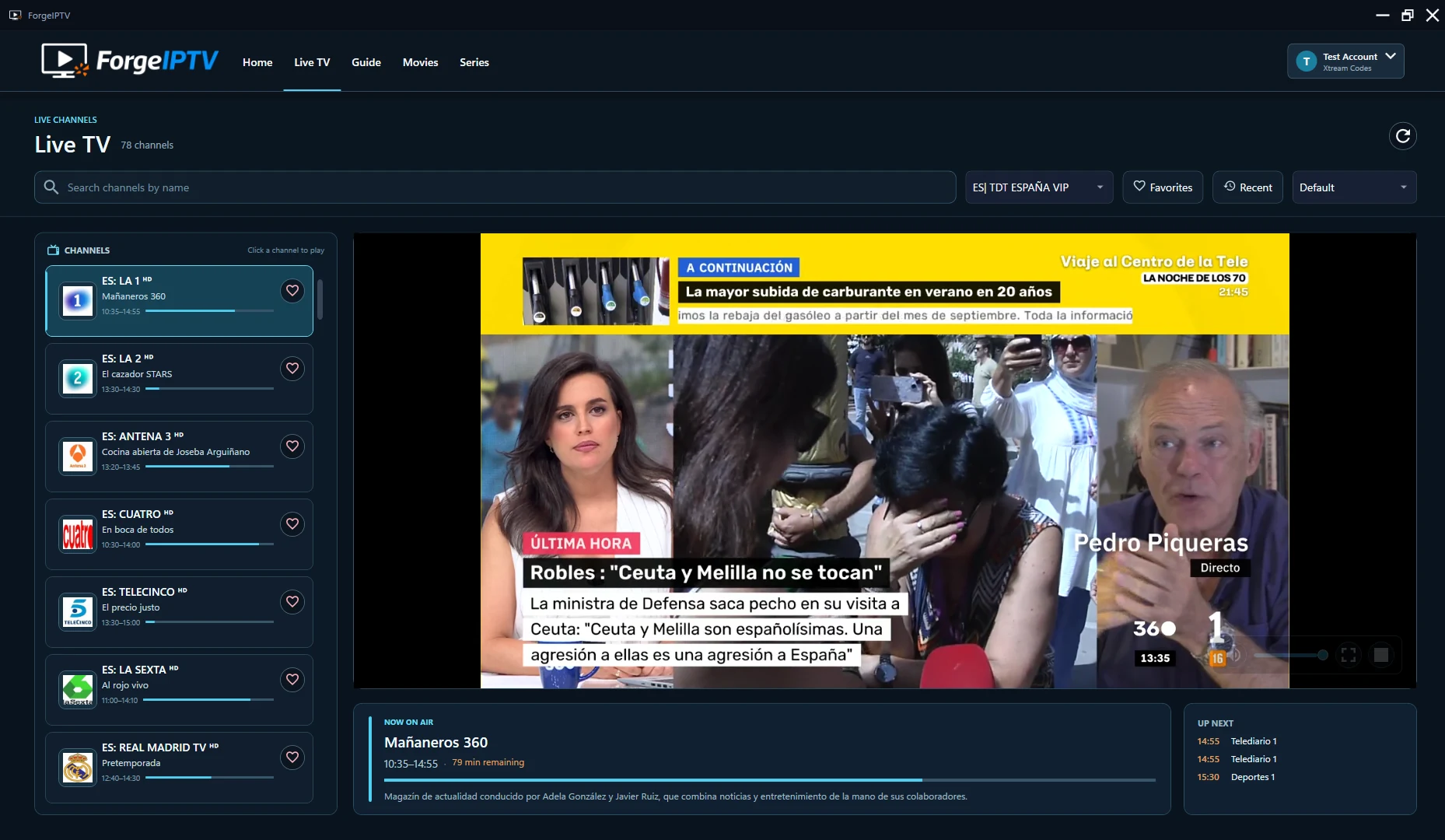
01 / Live TV
Live TV without the clutter.
Channels, current programme information and playback controls in one calm workspace.

ForgeIPTV 2.0 Completely redesigned for Windows
Live TV, a full programme guide, movies and series—brought together in one fast, focused Windows experience.
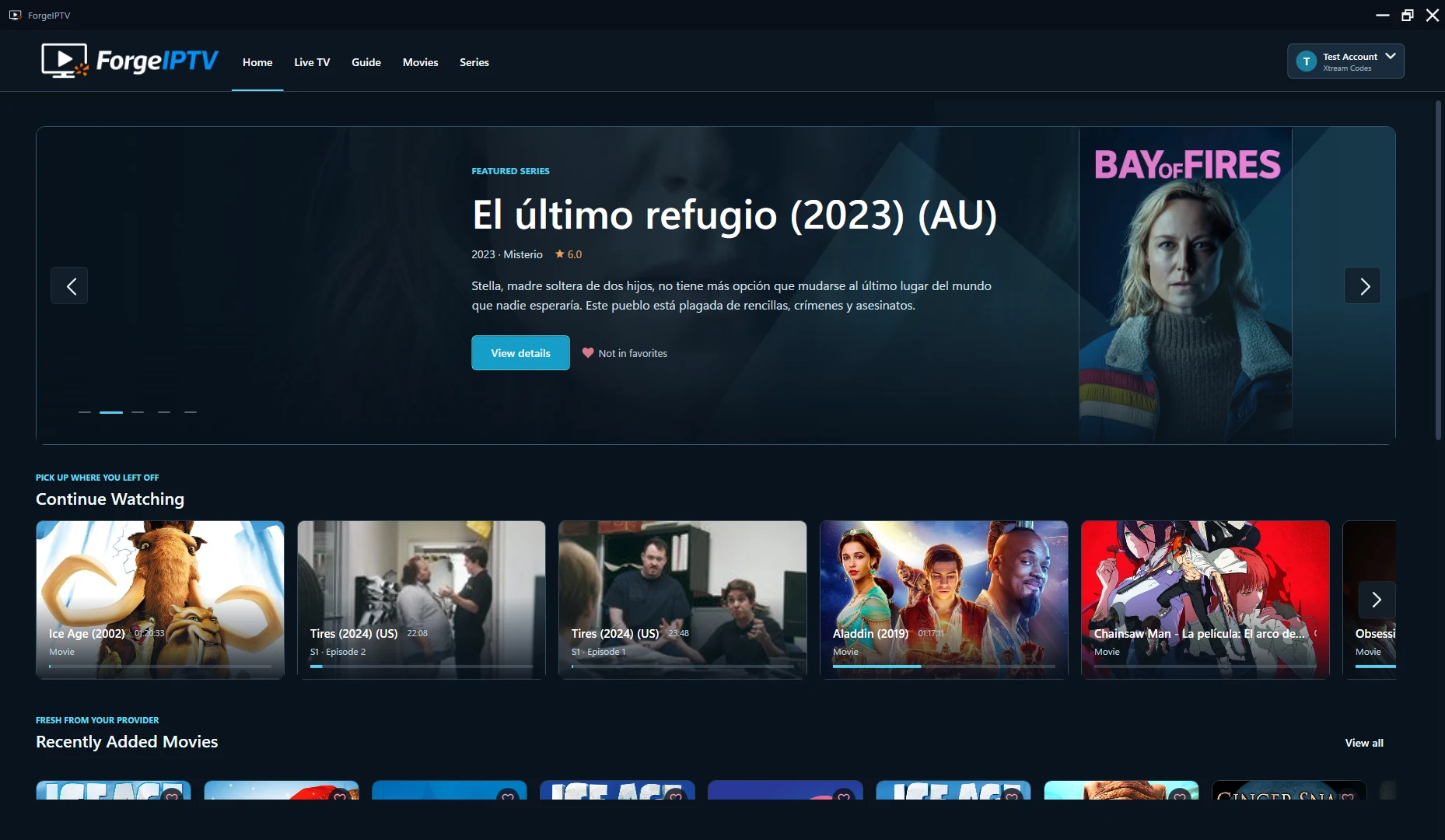
More than a fresh coat of paint
ForgeIPTV 2.0 rebuilds the entire journey around the way you actually watch: faster navigation, clearer context and less time between choosing something and pressing play.
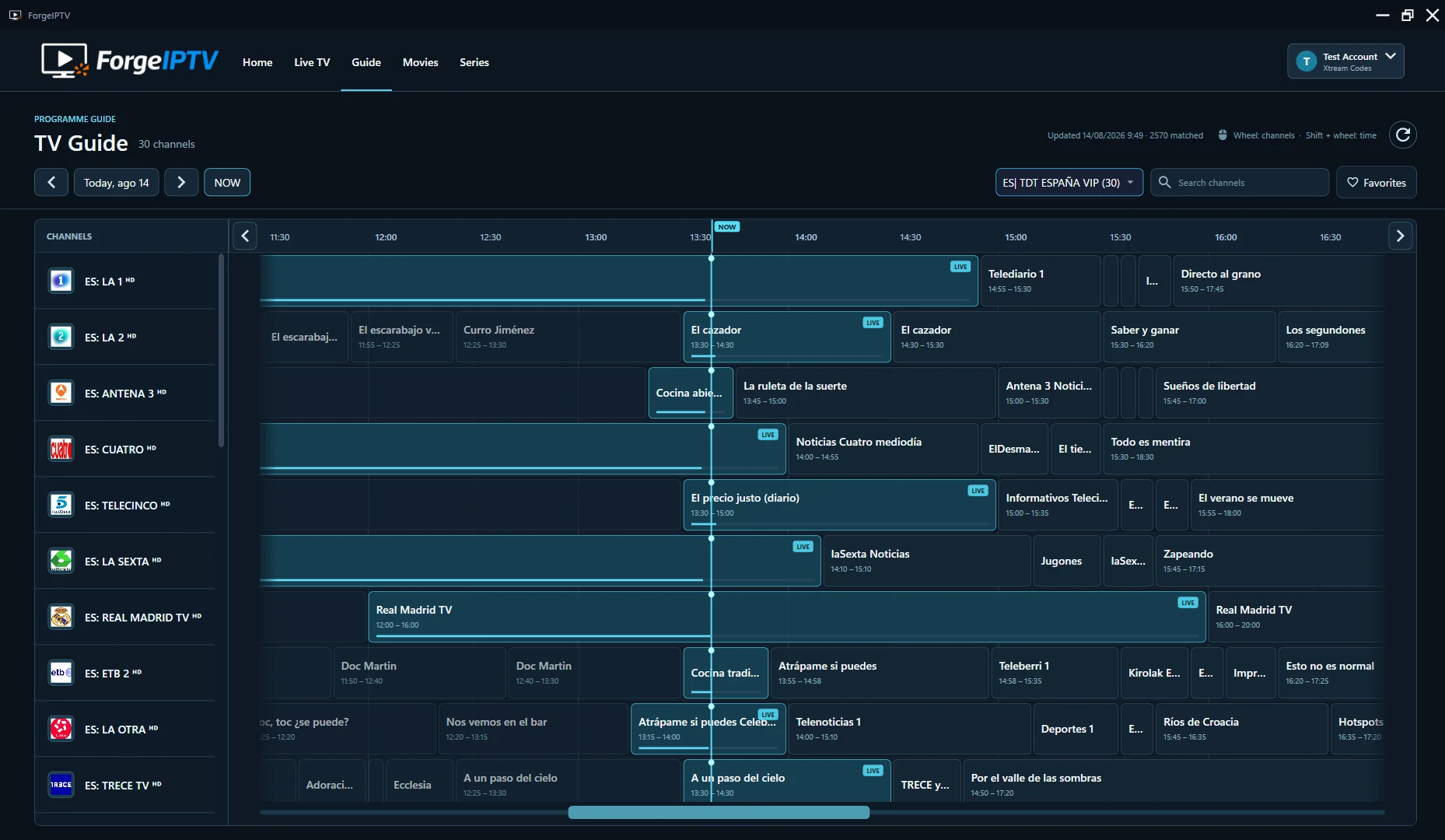
A proper TV Guide
Move through channels and programmes on one clear timeline. Programme information, times and playback stay close without crowding the screen.
Browse multiple channels and upcoming programmes at a glance.
Use compatible provider data or add your own XMLTV URL.
Go from discovering a programme to watching the channel in one step.
The whole experience
ForgeIPTV gives every kind of content its own focused space, without losing the consistency of one connected Windows app.
Channels, current programme information and playback controls in one calm workspace.
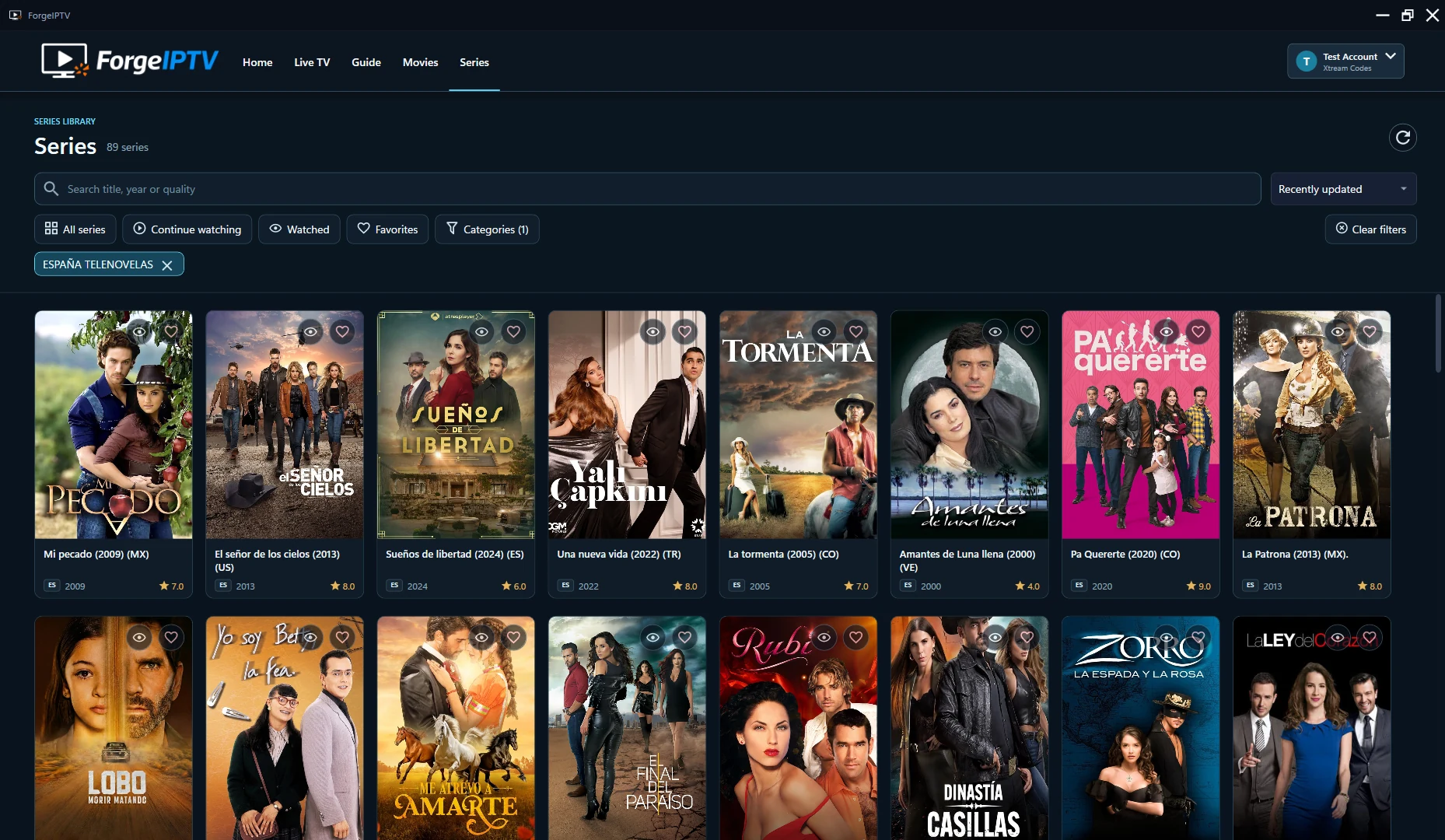
Search, categories and filters built for large movie and series libraries.
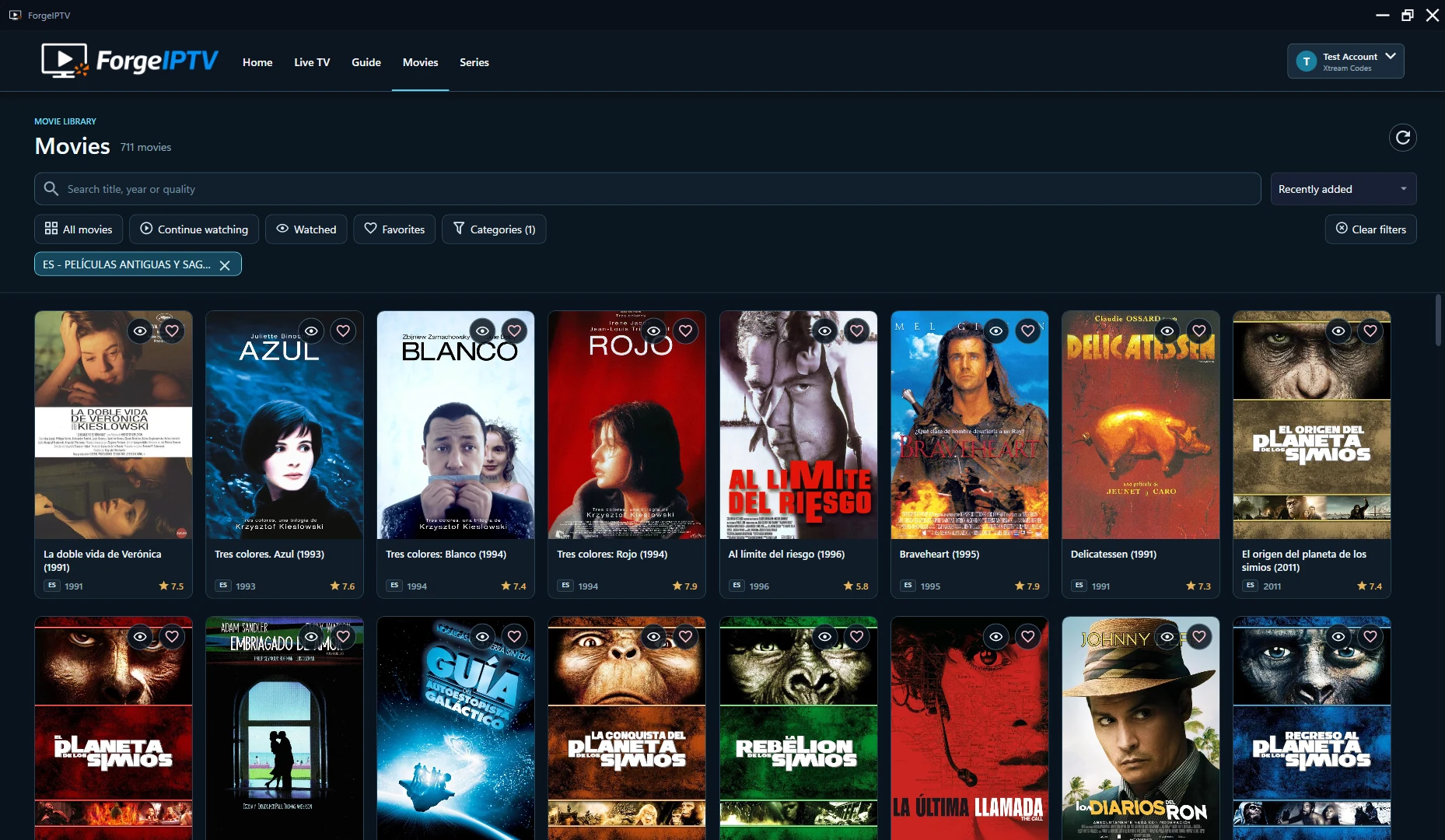
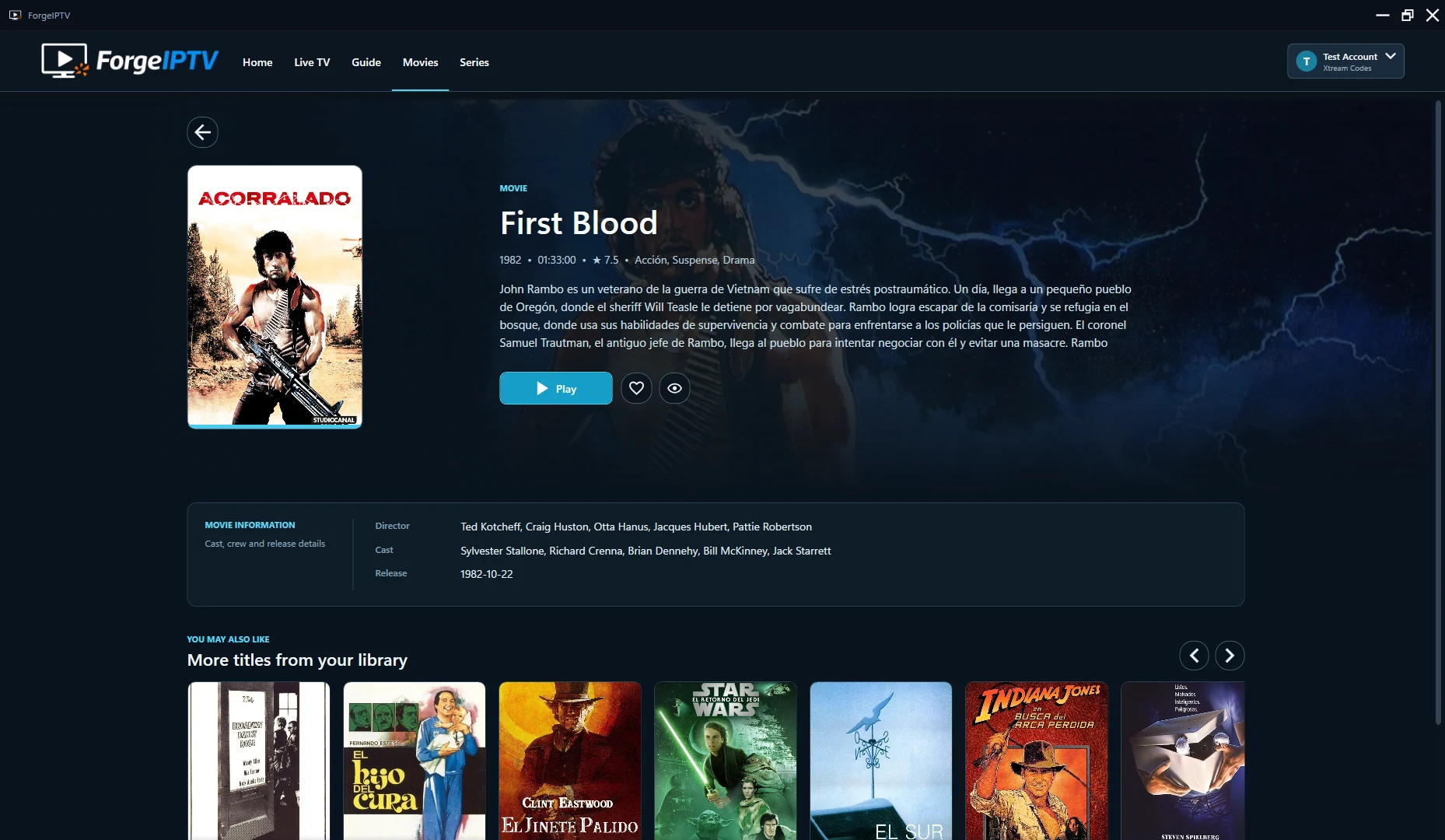
Artwork, metadata, favorites, related titles, seasons and progress brought into a focused view.
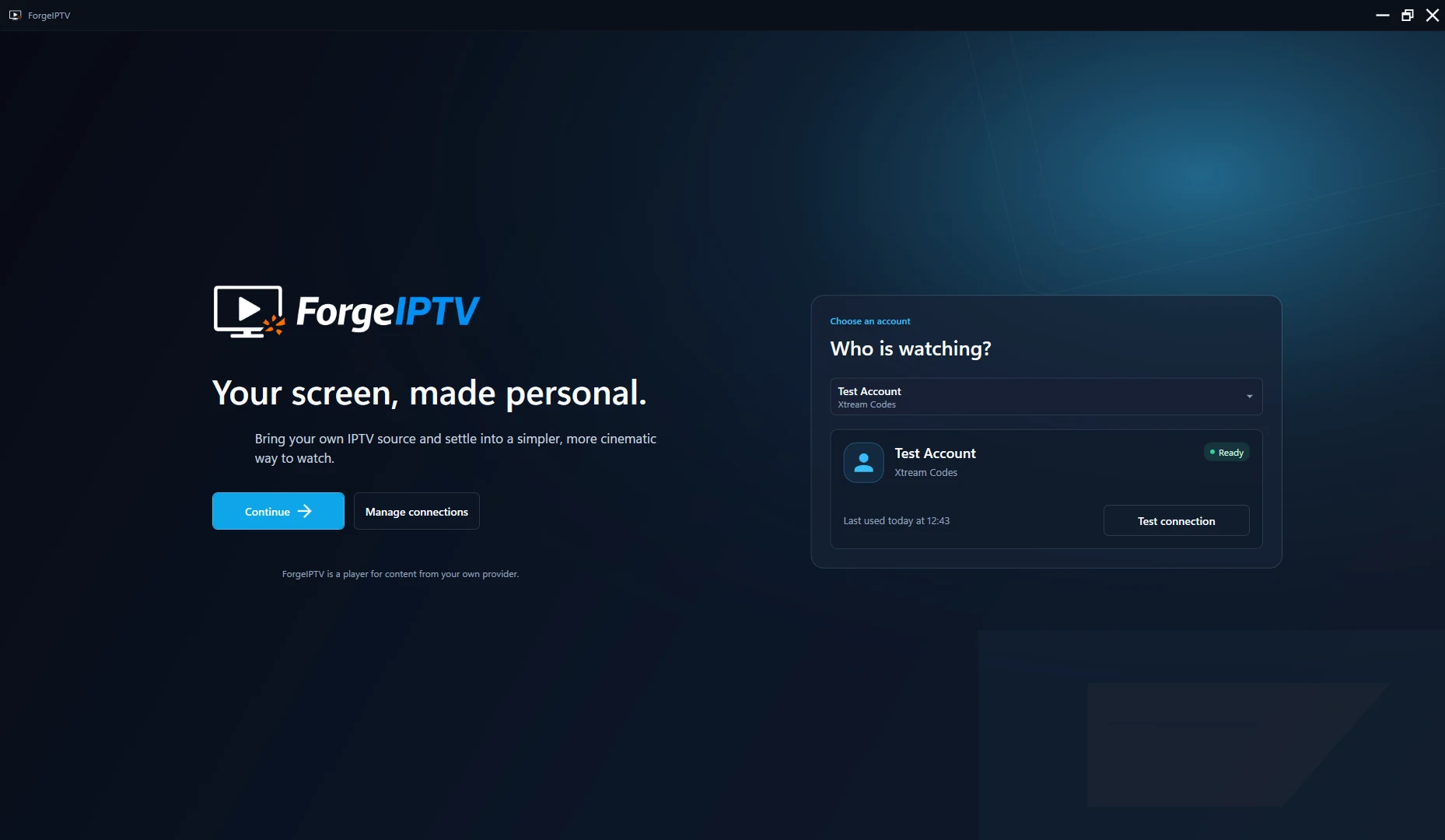
Your source. Your way.
Connect your own legal source and ForgeIPTV shapes the experience around what it contains. Xtream Codes accounts get the complete Live TV, movies and series experience. M3U playlists get a focused, channel-first home.
The details matter
The useful things are there when you need them—and stay out of the way when you don’t.
Automatic Xtream EPG retrieval plus custom XMLTV support and local caching.
A focused player with audio tracks, subtitles and clear loading states.
Keep what matters close and pick up from where you left off.
Navigate large libraries with categories, filters and focused search.
Manage multiple M3U and Xtream Codes connections from one place.
Preferences, history and protected connection values stay on your Windows device.
Try every screen
Explore the complete playback experience during the Microsoft Store trial. If the trial ends, you can still browse your content and manage your settings—only video playback is paused until you purchase a license.
A player, not a provider
ForgeIPTV does not provide channels, playlists, subscriptions, streams, movies, series, EPG data or copyrighted content. It connects only to the M3U playlist or Xtream Codes account you configure.
No. ForgeIPTV is an IPTV player only. You need your own legal M3U playlist or Xtream Codes account.
Yes. ForgeIPTV supports programme information through compatible provider data or a custom XMLTV URL configured by the user.
You can continue browsing, managing accounts and changing settings. Video playback remains disabled until a valid ForgeIPTV license is acquired through Microsoft Store.
Configuration, preferences, favorites, history and EPG cache are stored locally. Passwords, playlist URLs and EPG URLs are protected at rest with Windows DPAPI for your Windows user.
ForgeIPTV is designed for modern Windows desktops running Windows 10 or Windows 11.
Download ForgeIPTV 2.0 for Windows and start your seven-day free trial.
Requires your own legal M3U playlist or Xtream Codes account.